Client product · Chrome extension · Privacy · Live on the Chrome Web Store
SessionVault
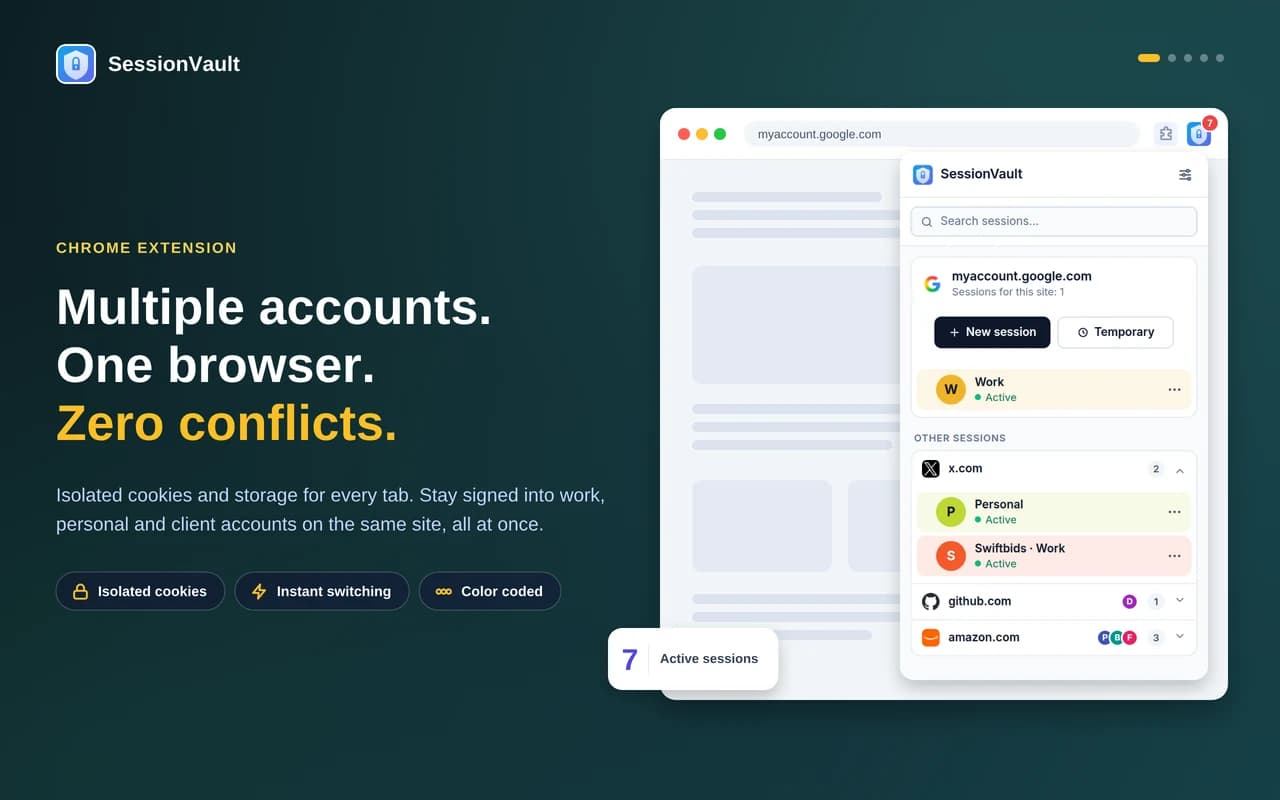
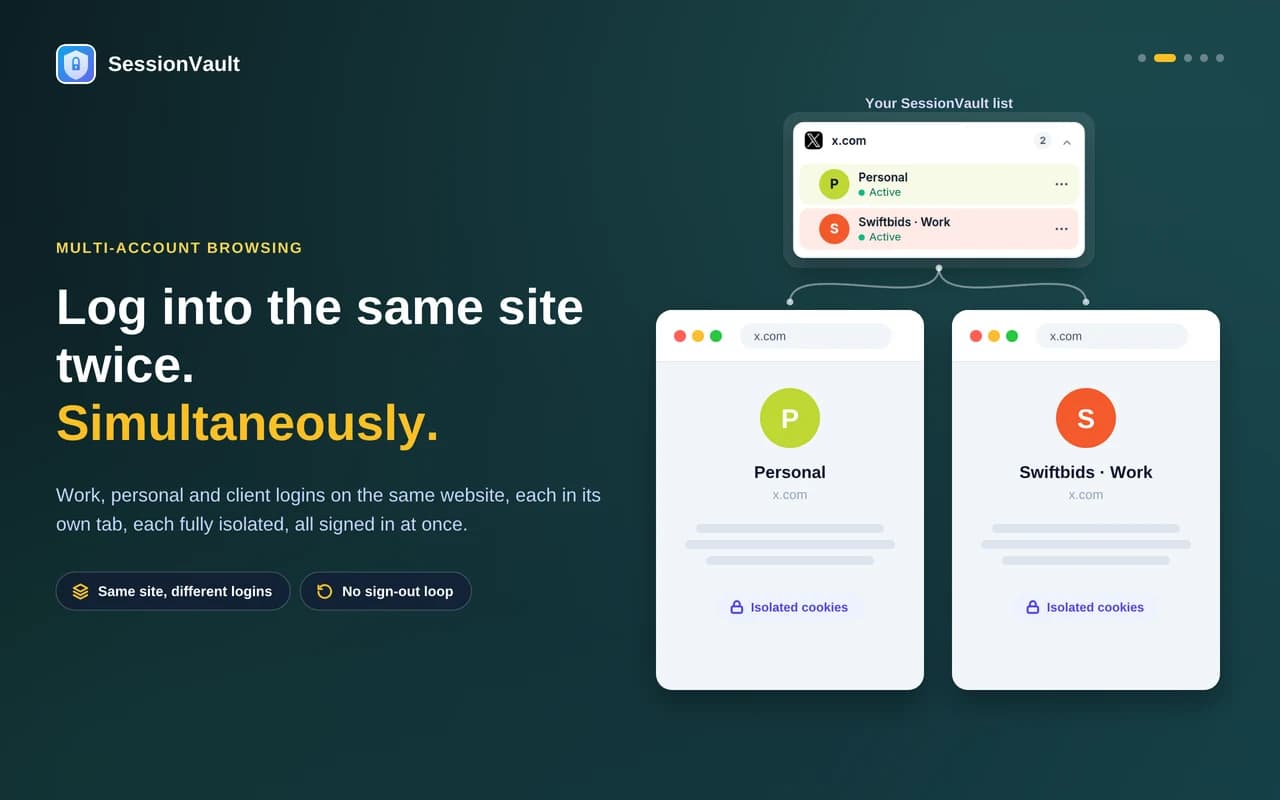
Multiple accounts on the same website, one tab each.
A Manifest V3 Chrome extension that gives every tab its own isolated cookies and storage. Fully local, no account, translated into 18 languages.
- Type
- Browser extension
- Our role
- Architecture, build, translations and Web Store release
- Platform
- Chrome 111+ · Manifest V3
- Status
- Live (v1.0.2)
18
languages
0
data collected
MV3
native from day one
v1.0.2
live on the Web Store
The problem
Social media managers, developers, freelancers and support teams juggle several logins on the same sites all day. A browser profile shares one cookie jar, so switching accounts means logging out and back in, or keeping a separate profile for every identity.
Doing it properly is harder than it looks. Modern sign-in flows like Google’s hop across several domains, and an extension has to earn every permission it asks for during Web Store review.
What we built
SessionVault gives each tab its own cookie jar using Chrome’s declarativeNetRequest rules. Set-Cookie headers are captured and stored per session, and the right cookies are sent per domain and path on every request.
A page-side script makes document.cookie, localStorage and sessionStorage show the session’s own data before any of the page’s scripts run, so sites behave exactly as if only one account were signed in.
How it works
Per-tab cookie jars
Every session gets isolated cookies and storage: Gmail as work in one tab and personal in the next, both signed in.
Stored and temporary sessions
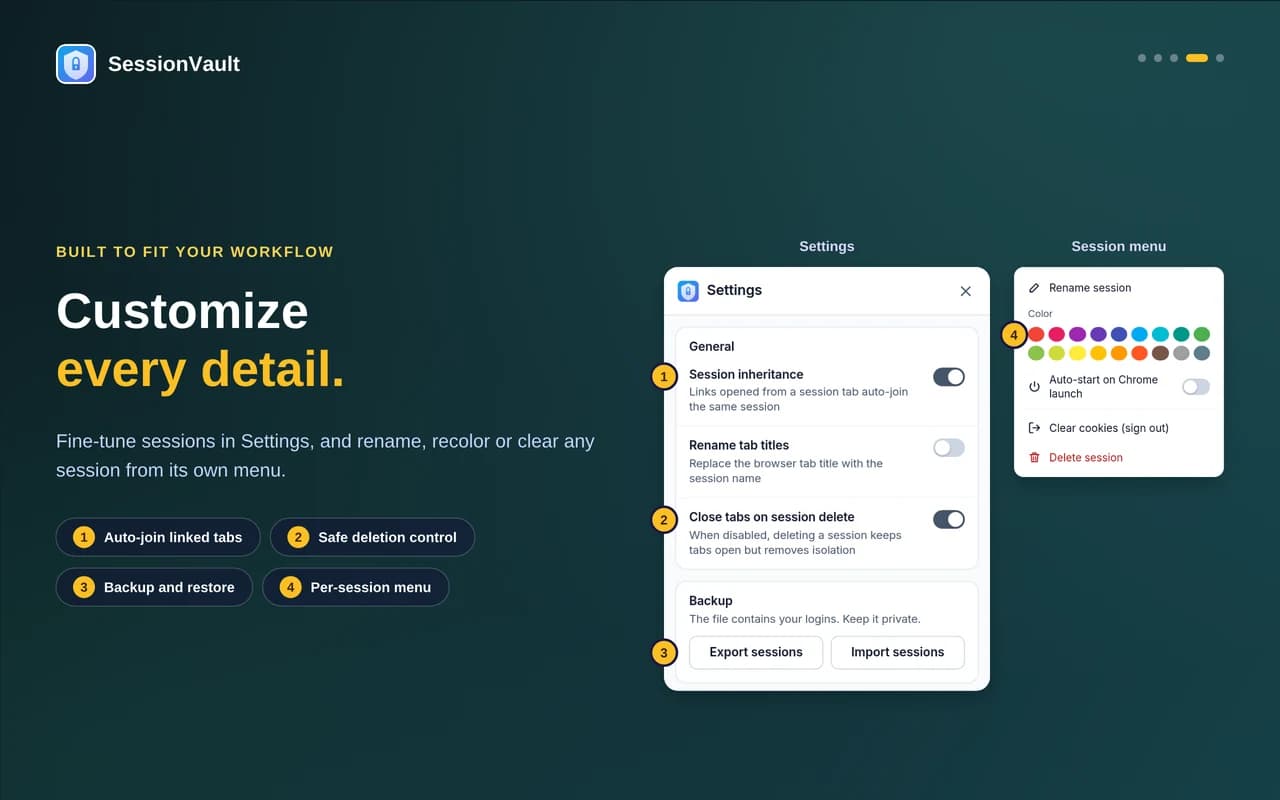
Stored sessions survive tab closes and full browser restarts. Temporary ones vanish the moment you close the tab.
Handles hard sign-ins
Multi-domain authentication flows such as Google and Microsoft sign-in work out of the box.
Right-click and keyboard first
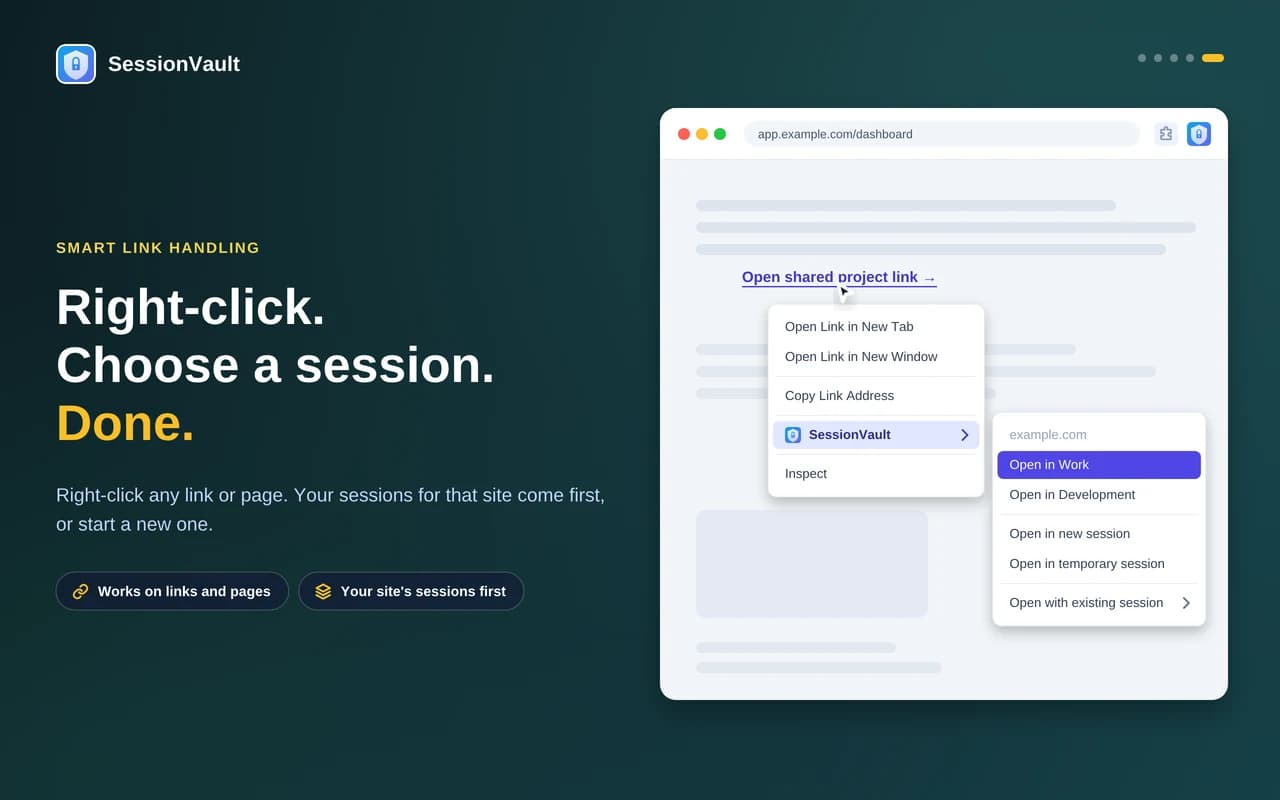
Open any link in a new or existing session from the context menu, with shortcuts for the common actions.
Privacy first
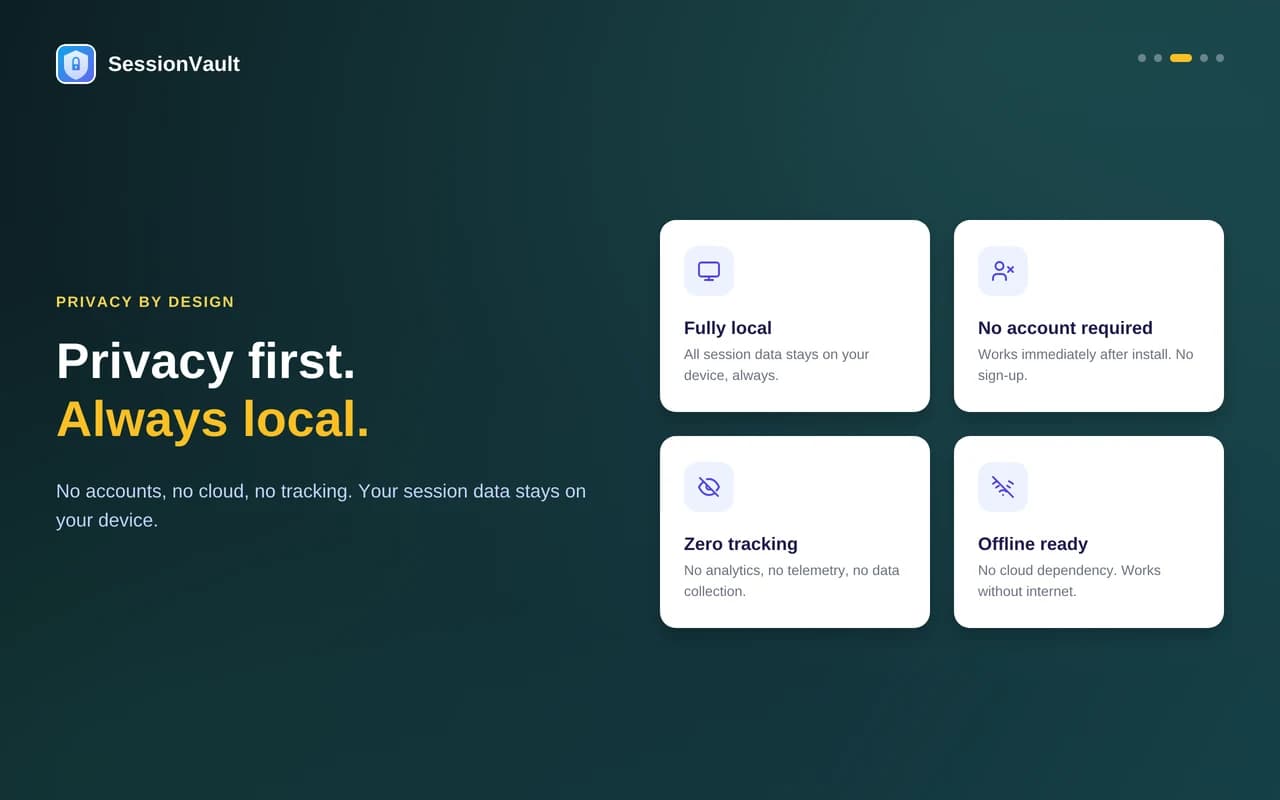
Fully local, with no account, no analytics and no cloud dependency. Every permission is documented for Web Store review.
18 languages
The extension name, popup, menus and messages are translated into 18 languages.
A closer look
The stack
- Platform
- Chrome Manifest V3 · Service worker · Content scripts
- Isolation
- declarativeNetRequest · webRequest (observe only) · chrome.storage · Public Suffix List
- Experience
- Context menus · Keyboard commands · i18n · 18 locales
Tell us what you’re working on
A senior engineer reads every message and replies within 24 hours, with questions or first thoughts.